
Cortona3D RapidAuthor for Siemens Teamcenter
From product data to technical publications, quickly and easily
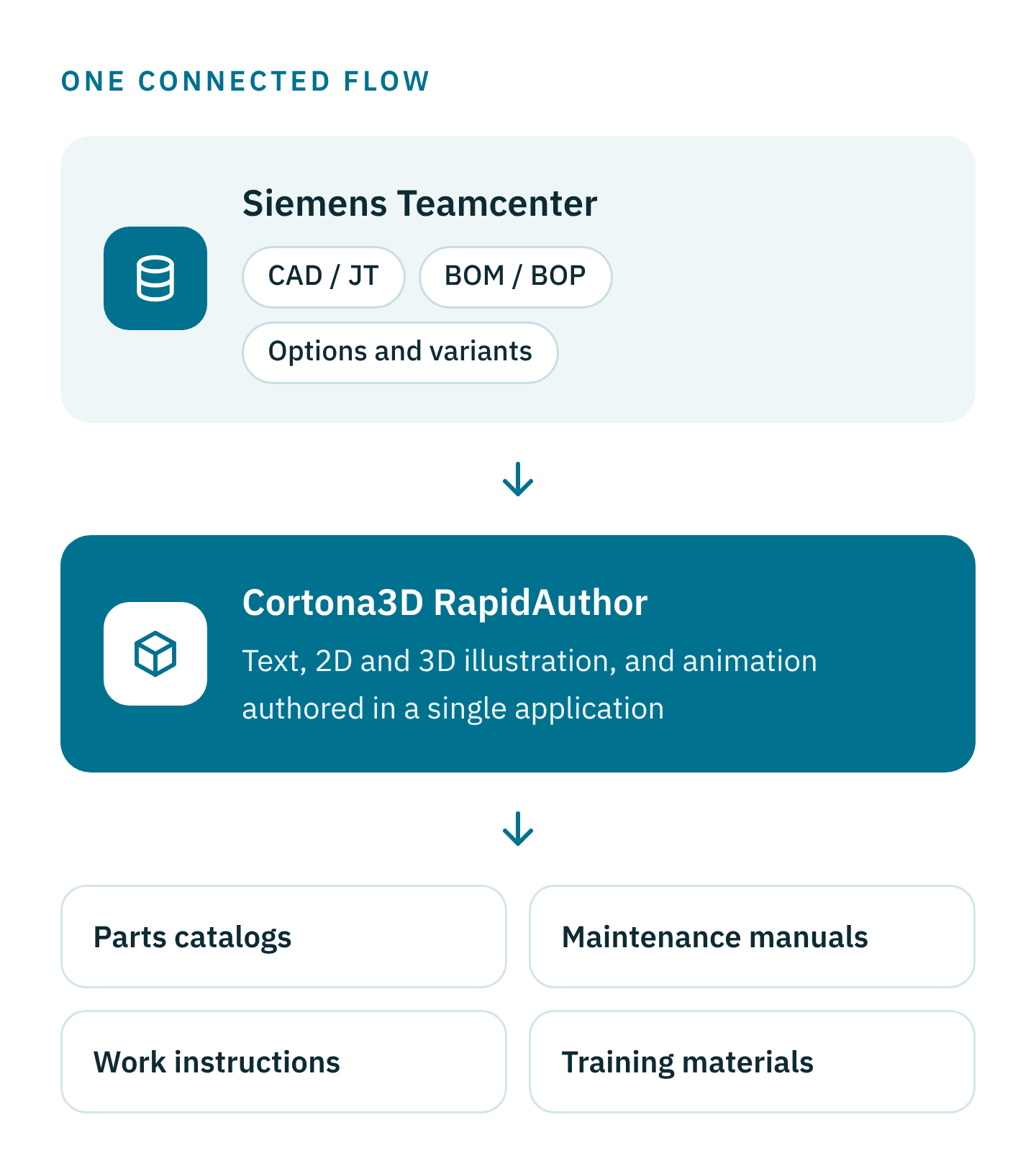
Bring technical authoring into the PLM environment. Authors work directly with engineering CAD and BOM data in Teamcenter to produce interactive 2D and 3D parts catalogs, manuals, training and work instructions that stay accurate as the product changes.
Siemens Silver Expert Software Partner · Cortona3D partner · UK and US teams
The Challenge
Disconnected information keeps documentation out of step with the product
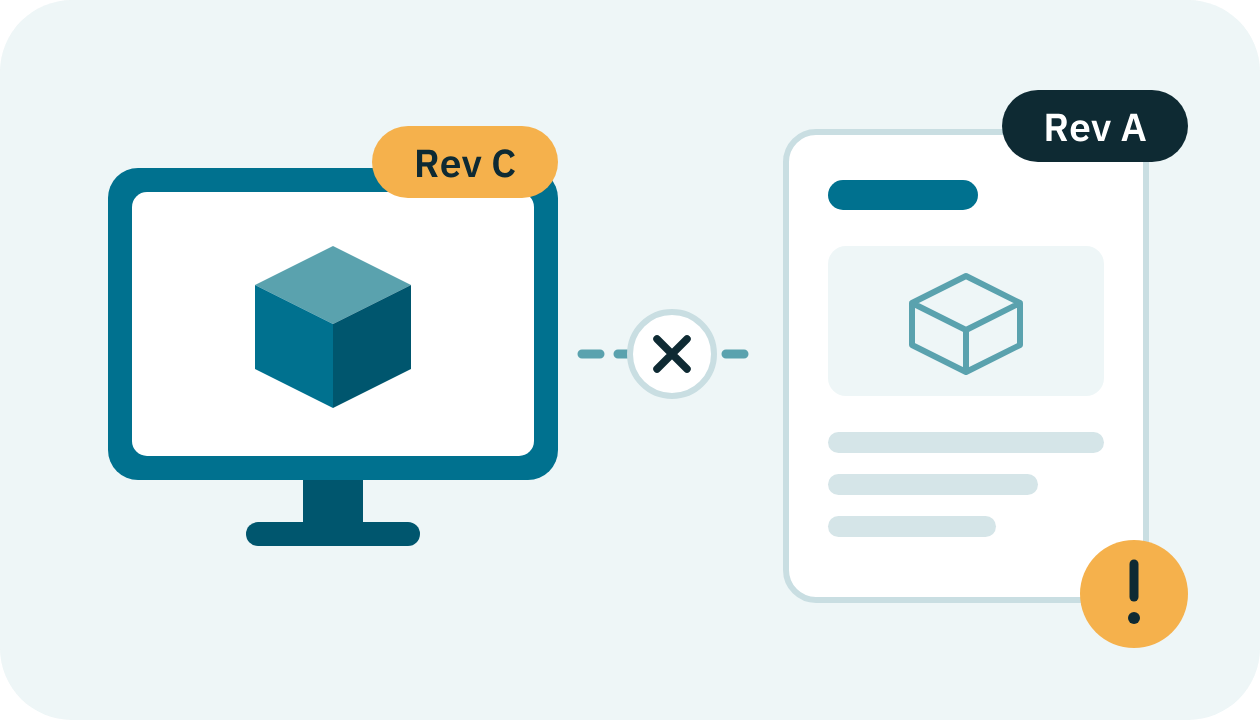
When technical authors work in isolation from engineering, product data and publications live in separate worlds. Content is copied, re-entered and chased by hand, and it starts drifting from the design the moment something changes.
The integrated solution
Authoring that happens alongside product development
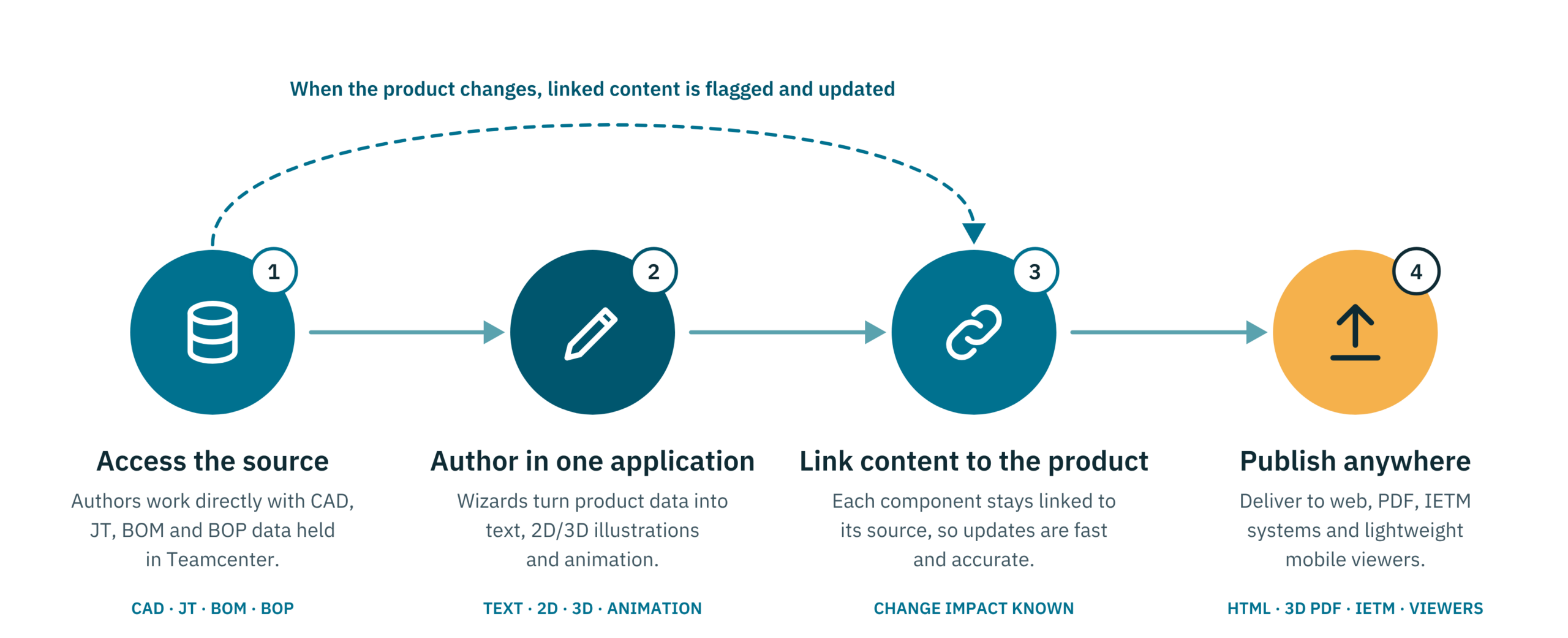
RapidAuthor for Teamcenter overcomes isolation by bringing technical publication activities into the PLM environment. No cut-and-paste and no re-entering data: content is created from the product source and stays linked to it.
The PLM backbone
Siemens Teamcenter
A comprehensive Product Lifecycle Management solution that manages the complete lifecycle of a product, from inception through engineering design and manufacturing to service and disposal. It keeps people connected to the right product information across changing business processes, upstream and downstream.
The authoring suite
Cortona3D RapidAuthor
A powerful, cost-effective authoring suite that re-uses your existing CAD data or other 3D source material to produce interactive parts catalogs, maintenance manuals, training materials and work instructions, with significant cost and time savings.
Benefits
Better documentation, a stronger return
Pairing 3D with text and 2D illustrations gives intuitive knowledge transfer for maintenance, customer support, operations and training.
Manufacturers spend less time producing documentation, service teams work more efficiently and fewer parts are misordered. Your customers see reduced equipment downtime, because technicians follow interactive instructions that match the exact configuration they are servicing.
Inside the suite
One suite, a tool for every publication
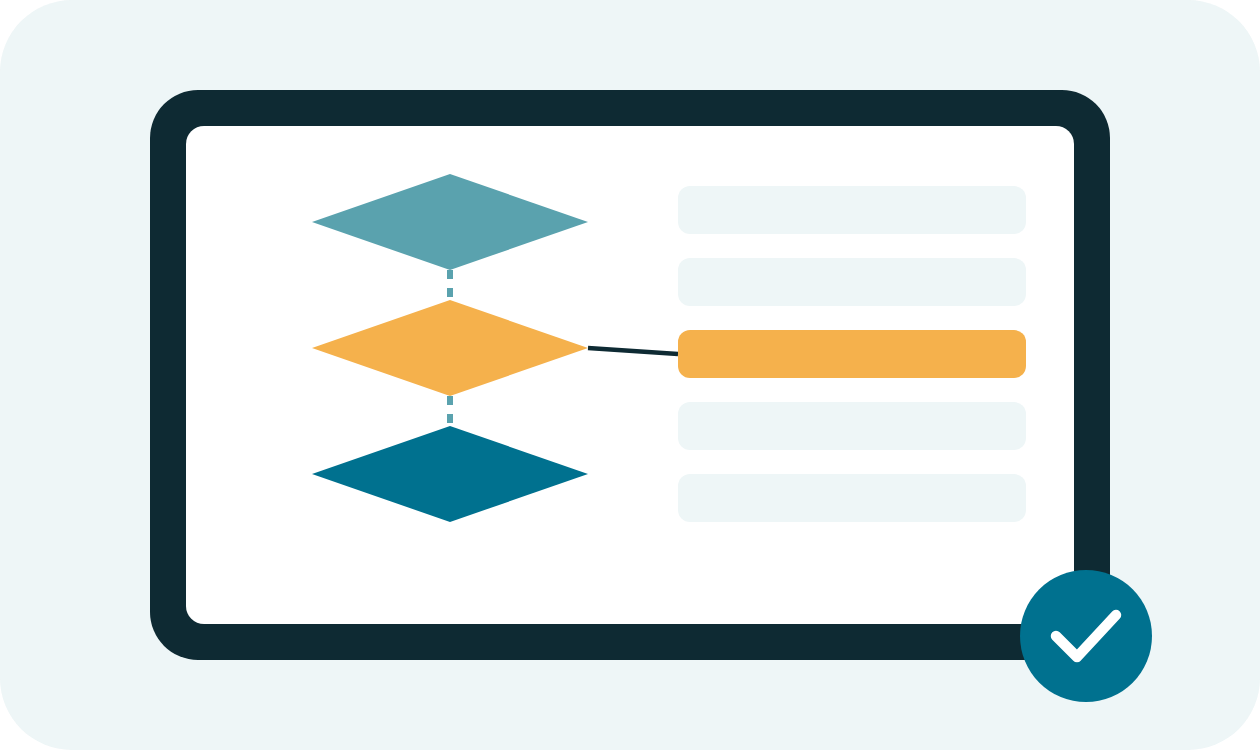
RapidAuthor is a set of bundled tools that share the same way of working. Each uses the product structure and JT data in Teamcenter as its source.

For your document architect
RapidDeveloper for Teamcenter
Customise the data import process and the output format of your RapidAuthor projects.
RapidConfiguration
Analyse source CAD data and control the import settings with guided wizards, mapping the data to fit your document content structure.
RapidSpecification
Set the format and appearance of your documents. DITA, ATA iSpec 2200 and S1000D specifications come out of the box, or create your own.
Use cases
See what it looks like in practice
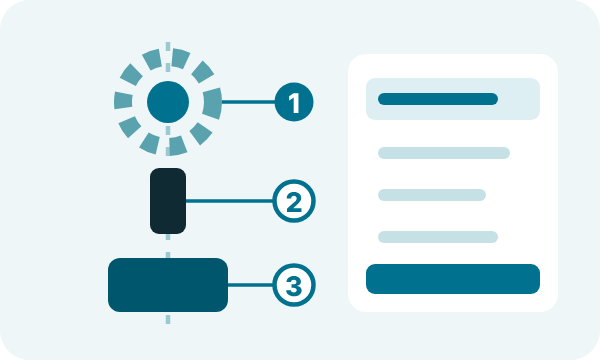
A parts catalog generated directly from BOM and CAD/JT data.
2D and 3D parts catalogs, straight from design data
Generate spare parts catalogs from product BOMs, CAD geometry and part metadata. The author simply decides the page hierarchy, exploded views and viewpoints to arrive at a publishable catalog.
Animated work instructions for manufacturing and service
Using CAD models or JT, authors create explosions for 2D illustrations or 3D animations of assemblies, for both assembly and service disassembly instructions.

Service manuals built from product configurations (BOM and CAD/JT) with animated instructions.
Features
Everything you need to author, manage and publish
Teamcenter integration
- Teamcenter Manufacturing Process Planner
- Teamcenter Service Planner
- Teamcenter Content Management
- Direct access to CAD, JT and BOM/BOP source data
- Interactive support content stored and managed in Teamcenter
Authoring
- Author in 2D, 3D or text from a single application
- 2D explosion drawings generated automatically from 3D models
- Combine models from different CAD systems in one project
- Rich built-in library of 3D animations for manuals and work instructions
- Customisable data import profiles and multi-language support
Publishing and end users
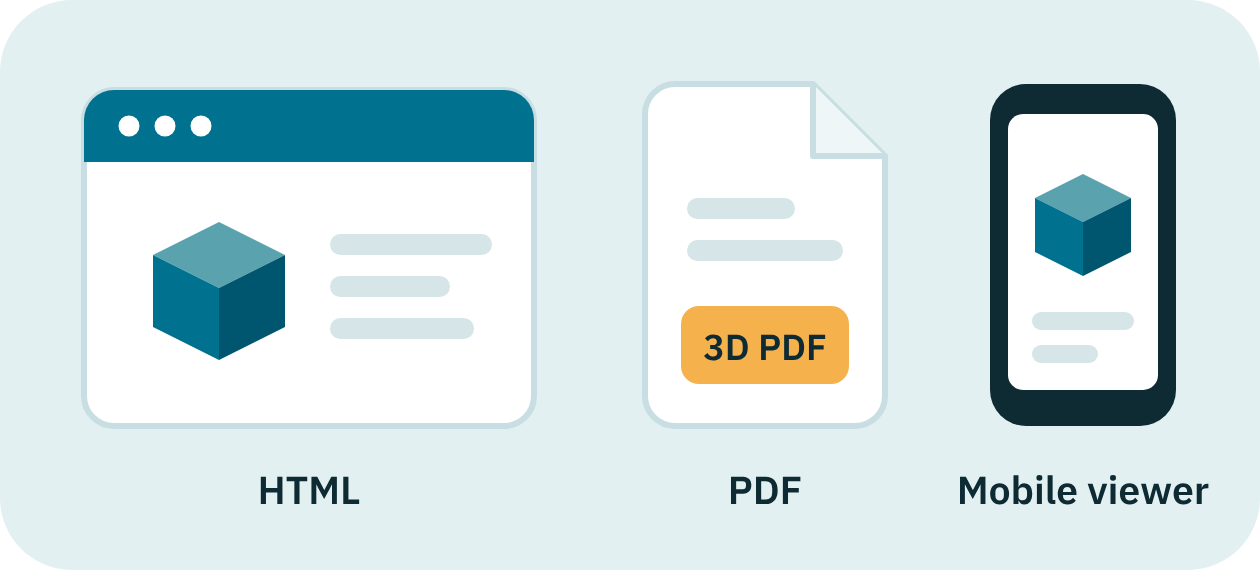
- Publish to HTML, 2D and 3D PDF, IETM systems and customer applications
- Lightweight viewer for web and handheld devices
- Pick lists that make ordering spare parts easy
- Images attached to parts catalog entries
- AR support
Watch
See both halves of the solution
RapidAuthor in action
See how interactive 3D documentation is authored from existing CAD data.
Learn more about Siemens Teamcenter
An introduction to the PLM platform that connects people and product information.
Why CAD-IT
Siemens and CAD-IT: better together
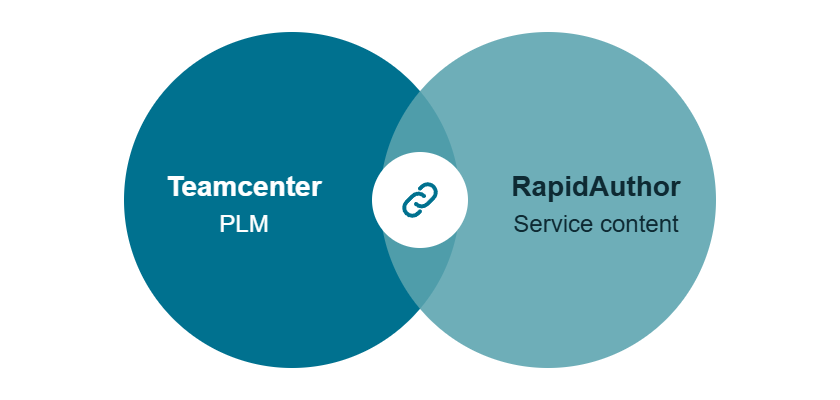
CAD-IT, Cortona3D and Siemens partner to bring you RapidAuthor for Teamcenter. We connect your PLM and service content so the two work as one.

Implementation
We set up RapidAuthor and connect it with your Teamcenter environment.
Training
Your authors and illustrators learn the tools from people who use them every day.
Services and support
Ongoing help from UK and US teams as your products and publications evolve.
Authoring expertise
Need extra capacity? Our in-house technical authors can create and maintain your content. Outsourced publications
Let's talk
Request a no-obligation demonstration
See RapidAuthor for Teamcenter working with real product data. Our team will walk you through it and answer your questions, free of charge.
Technology and accreditation partners