CORTONA3D RapidAuthor
3D interactive technical documentation built from your existing CAD data.
Create 3D interactive technical documentation, including parts catalogues, repair manuals, work instructions, and training materials, by leveraging your existing CAD data.
WHY RAPID AUTHOR?
Your engineers have already modelled the product. Stop documenting it twice.
Most technical publications are still built by hand: screenshots, redrawn illustrations and long written procedures that fall out of date the moment engineering releases a change.
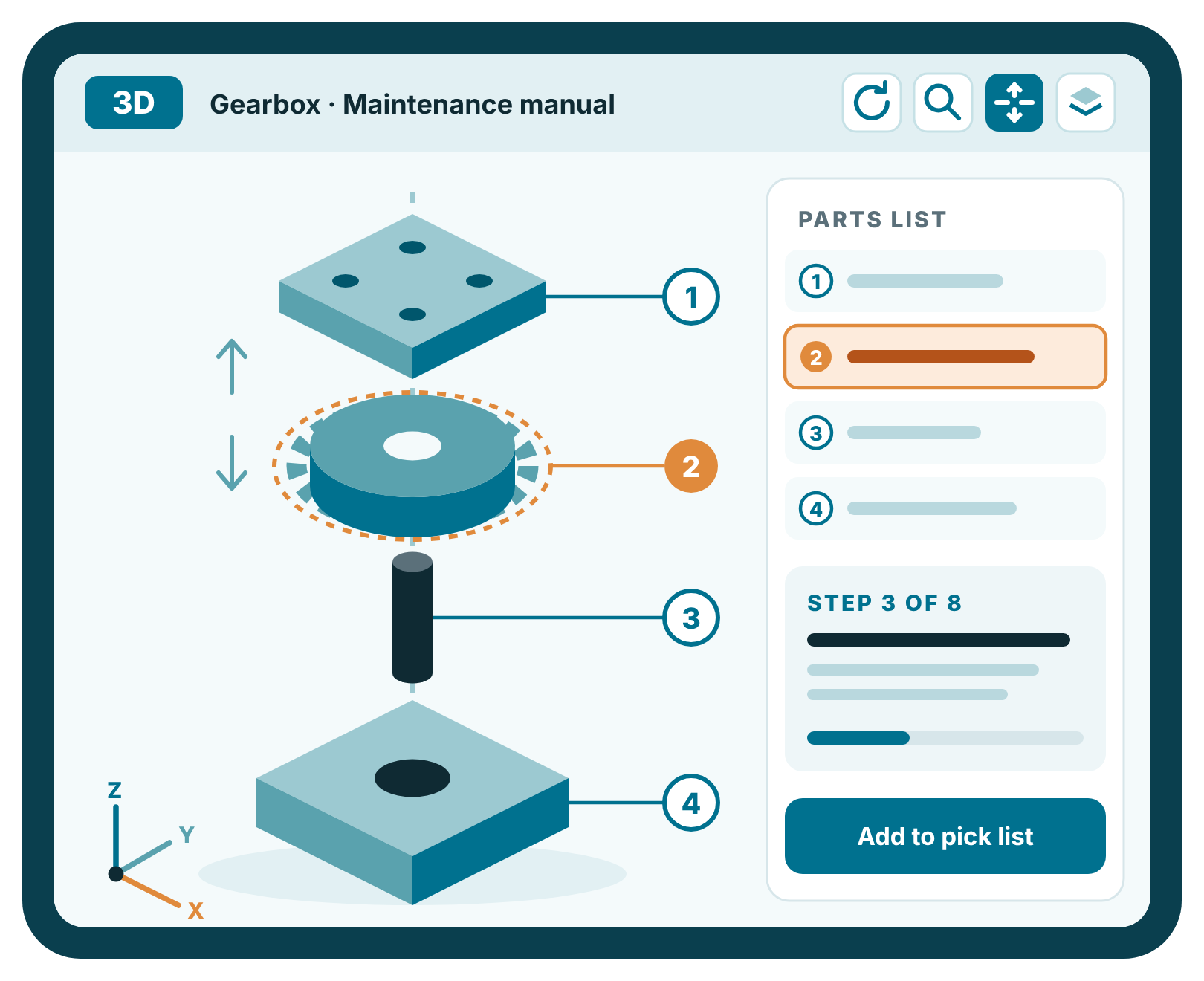
RapidAuthor reuses your released 3D CAD and product data as the source. Authors with no CAD experience build animated procedures, exploded parts views and 2D illustrations in one application, and republish when the data changes.
- Reuse existing CAD assets instead of recreating them
- No CAD or 3D experience needed to author
- 3D, 2D and text authored in a single environment
- Graphics update when engineering or PLM data changes
- Protects your company's engineering data
Our Services
What we can create for you
We help industrial businesses overcome documentation challenges, from lengthy backlogs and legacy content, to skills gaps and fluctuating demand. We take on the challenge so you can focus on keeping your products and customers moving forward.
Parts
Catalogues
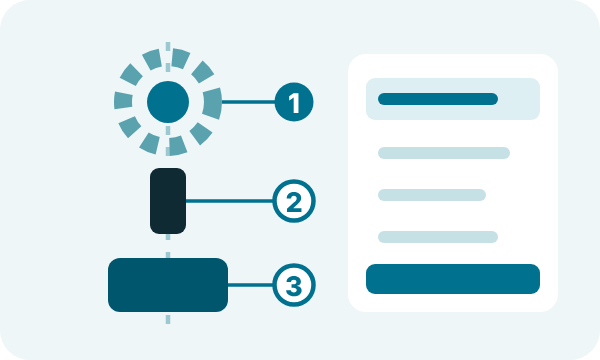
Illustrated, interactive catalogues with 3D explosions, drill-down navigation and pick lists that reduce ordering errors.

Maintenance & Repair Manuals
2D illustrations, 3D animations and text that make complex mechanical procedures clear and cut translation issues.

Work Instructions
Interactive work instructions, job cards and assembly steps, animated from manufacturing data for shop floors and dealers.

Training Materials
Interactive 3D simulations for demonstration, practice and assessment, delivered standalone or through your LMS.
Operation Manuals
Clear operating procedures that combine text components with illustrated content, managed in one XML environment.
Inside the suite
One suite, a tool for every publication.
RapidAuthor is a set of bundled tools that share the same way of working. Each uses the product structure and JT data in Teamcenter as its source.

For your document architect
RapidDeveloper for Teamcenter
Customise the data import process and the output format of your RapidAuthor projects.
RapidConfiguration
Analyse source CAD data and control the import settings with guided wizards, mapping the data to fit your document content structure.
RapidSpecification
Set the format and appearance of your documents. DITA, ATA iSpec 2200 and S1000D specifications come out of the box, or create your own.
Try it yourself
Your engineering data, turned into instructions people can follow.
A Cortona3D RapidAuthor Interactive Demonstration: A fully interactive 3D model, experience the installation of a machine-roomless elevator, authored in RapidAuthor.
How it works
From CAD model to published document in three steps.
RapidAuthor turns the engineering data you already have into interactive 3D technical documentation. When the design changes, you re-import and republish rather than starting again.
STEP 1
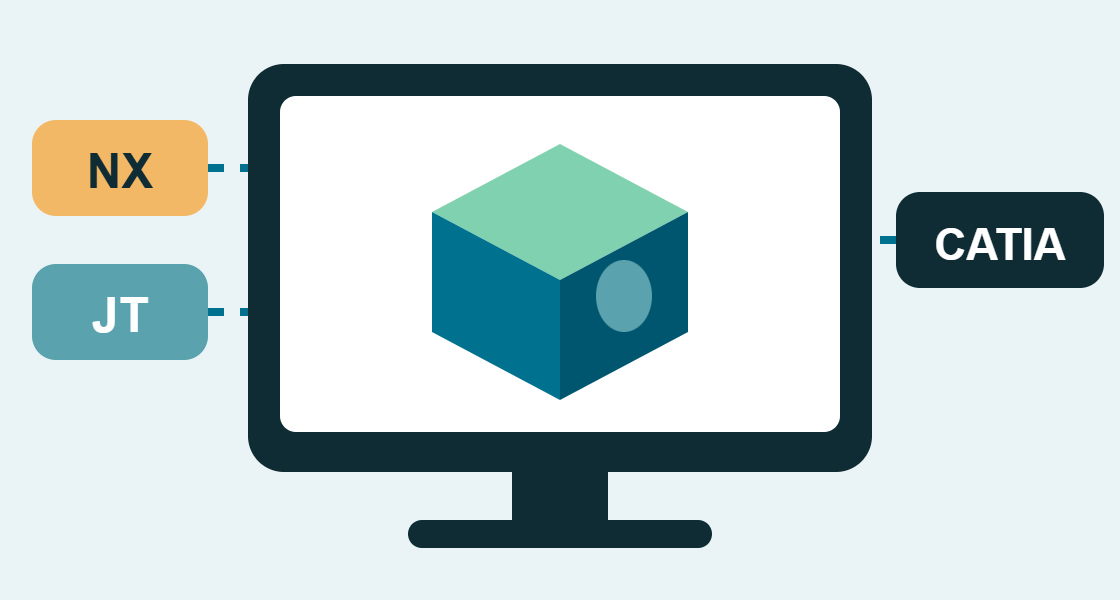
Import
Bring in released 3D models and product structure straight from your CAD or PLM system. No redrawing, and no CAD skills needed by the author.
NX · CATIA · SolidWorks · Creo · Inventor · Solid Edge · JT

STEP 2
Author
Build procedures from ready-made 3D animations, generate exploded views and 2D illustrations, and write the text alongside, in every language you publish in.
S1000D · DITA · ATA iSpec 2200 · SCORM
STEP 3
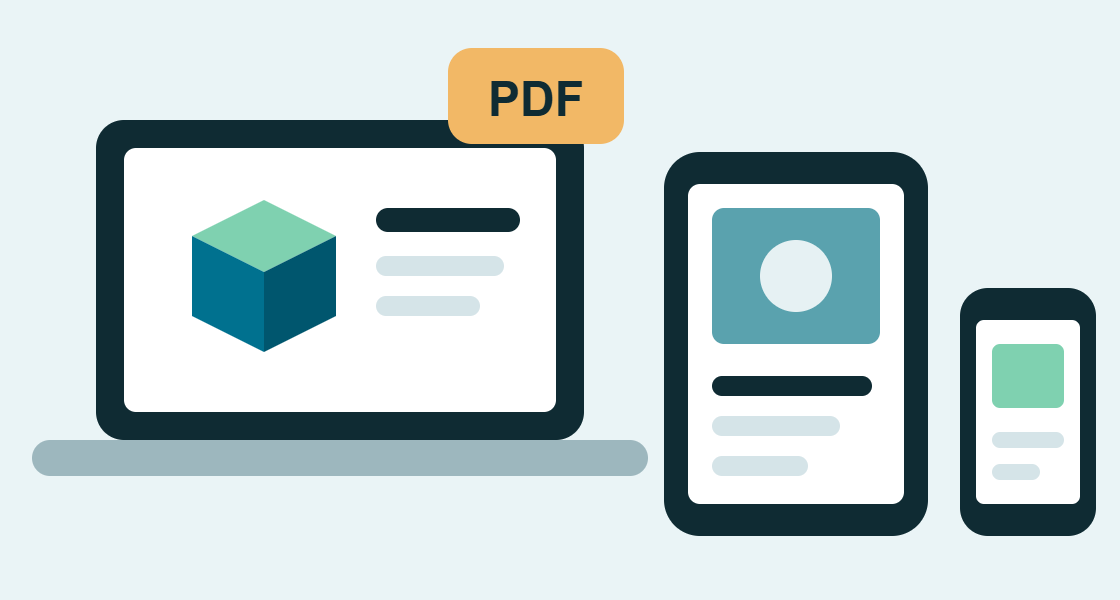
Publish
Deliver to the browser, print, IETM/IETP systems or augmented reality, on desktop, tablet or phone. Embed publications in your own web applications through the API.
HTML5 · PDF · IETM / IETP · Augmented reality
Running Siemens Teamcenter?
RapidAuthor for Teamcenter lets authors work inside the PLM environment with direct access to CAD and BOM data, so publications stay tied to the released product.
Customer results
What it looks like in production.
ISTOBAL · Car wash systems
Parts catalogues for every variant and language, produced 80% faster.
ISTOBAL imports its Siemens NX assemblies straight into RapidAuthor, giving service centres and distributors in more than 62 countries interactive 3D catalogues and a more reliable ordering process.
80%
faster production
60%
cost saving
Siemens Mobility · Rail
Maintenance manuals ready six months before the trains launched.
With RapidAuthor and Teamcenter, authors write alongside engineering. A work instruction that took days now takes 6 to 10 hours, and technicians follow 3D work instructions on tablets in the depot.
50%
less authoring time
30%
less maintenance time
Watch
See RapidAuthor in action.
An overview of what CAD-IT and RapidAuthor deliver, plus two short demonstrations of real publications.
CAD-IT and RapidAuthor: interactive 3D technical documentation
Interactive parts catalogue demonstration
RapidManual 3D work instruction
Why buy RapidAuthor from CAD-IT
Software is the easy part. We get your team publishing.
We have been helping manufacturers get value from their engineering data for more than 34 years. We implement RapidAuthor, train your authors and stay with you afterwards, across the UK, Ireland and North America.
Implementation
Set up around your CAD sources, document standards and publishing targets, so your first project starts on the right footing.
Training
Hands-on training that takes your authors from first import to first publication, using your own products.
Teamcenter integration
As a Siemens Silver Expert Software Partner, we connect RapidAuthor to Teamcenter so documents follow engineering change.
Outsourced technical authoring
Short of authors or facing a backlog? Our in-house team can create and maintain the content for you. See outsourcing
Ongoing support
Bronze, Silver and Gold customer success plans give you 5 to 15 support days a year at a discounted rate. Compare plans
Not sure which components you need?
Tell us what you document today and we will recommend the right setup.
Do our authors need CAD or 3D experience?
No. RapidAuthor is designed for technical authors, not CAD engineers. Wizards and a library of ready-made animations handle the 3D work, so authors focus on the content.
Which CAD formats can RapidAuthor use?
Which documentation standards does it support?
What can we create with it?
How are publications delivered to users?
Can CAD-IT create the content for us instead?
Related reading
Blog · Technical content
Let's talk
See RapidAuthor working on a product like yours.
Book a free, no-obligation demonstration. Tell us what you document today and we will show you how it would look built from your CAD data.
UK: +44 1785 847 066
USA: +1 919-882-2045
Proud to be working with