
Home / VizLinx XR
VizLinx industrial mixed reality
See it. Learn it. Do it.
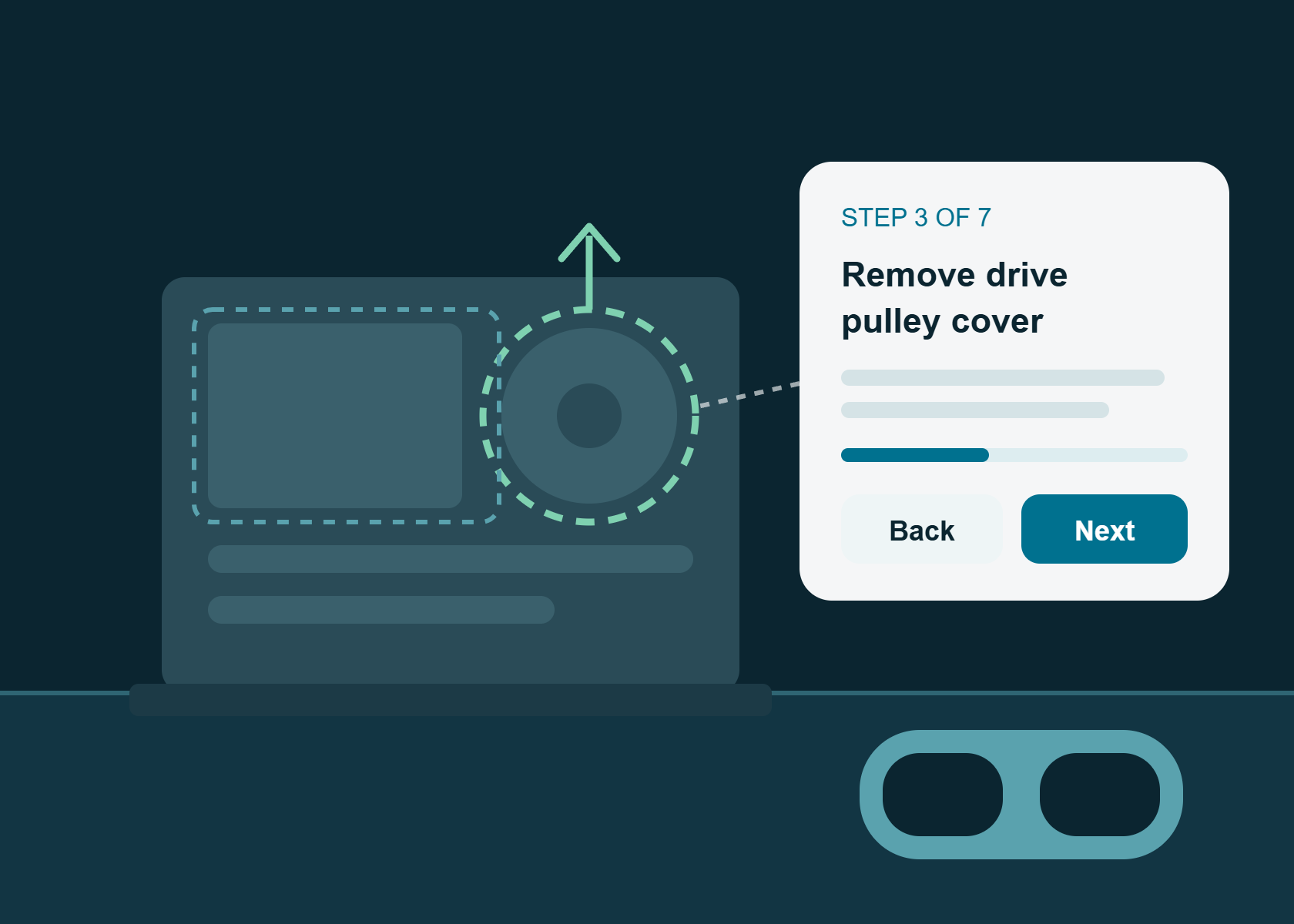
VizLinx is an industrial mixed reality solution that overlays interactive work instructions, procedures and critical information onto the real equipment in front of your people. Built from the CAD and product data you already have, it helps new starters learn faster and experienced teams work with fewer errors.
● Built from existing CAD ● XR training, AR work instructions and troubleshooting
The challenge
Complex procedures are hard to teach, easy to get wrong and slow to pick up.
Whether it's a new starter learning the ropes, an experienced engineer working from memory, or a technician following a paper manual on site, the same four problems cost time, quality and safety.
Operational inefficiency
People spend time searching for information instead of doing the job. VizLinx shows the right information only when it's needed.
Talent shortages
Consistent, on-demand training helps you build specialist skills faster, without tying up your best engineers.
Knowledge gaps
3D context lets less experienced staff work with the confidence of their most experienced colleagues.
Outdated documentation
VizLinx sits alongside your PLM, CAD and technical information systems, so instructions reflect the current product.
Use cases
Three ways manufacturers put mixed reality to work.
We work with you to define the right use cases inside your business. These three come up most often.

Immersive XR training
Let employees learn and practise new skills without risk to people or equipment, and cut the cost of training.

Guided AR work instructions
Step-by-step mixed reality work instructions overlaid on the equipment, reducing the margin for error and lifting completion rates.

Remote troubleshooting
A digital environment to trial fixes and troubleshoot remotely, from anywhere, before anyone touches the real asset.
How it works
Digital twin technology, in the hands of the person doing the job.
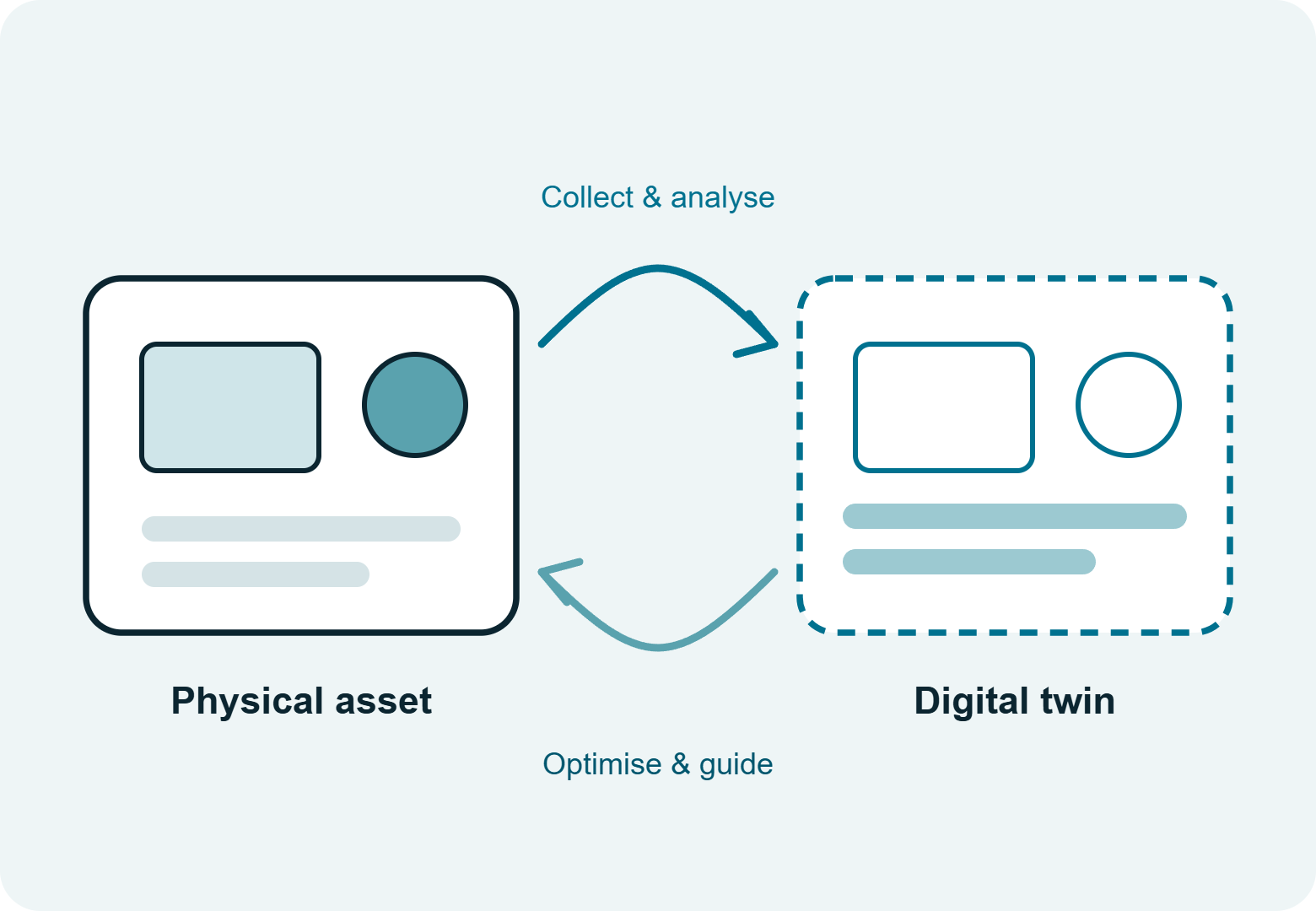
VizLinx merges the physical and digital worlds. A digital twin, a live replica of a real asset, mimics its behaviour so you can try changes under different conditions at low cost and with no risk to operations.
What changes
The outcomes manufacturers see when XR is applied well.
Faster training
Cut the time it takes to train new starters and upskill others.
Knowledge retention
Expert know-how stays after people retire or move on.
Paper-free processes
Eliminate paper-based process information for good.
Higher productivity
Cut the time it takes to carry out procedures.
Safer, accurate work
Visual, step-by-step guidance minimises the margin for error.
ManufacturingField serviceAerospace & defenceAutomotiveEngineering
Watch
VizLinx mixed reality in action.
See how mixed reality work instructions look in a real industrial setting, then explore more demonstrations on our YouTube channel.
FAQs
Industrial mixed reality, explained.
What is the difference between AR, VR and mixed reality?
What are mixed reality work instructions?
Do we have to create 3D content from scratch?
Where should we start?
Does VizLinx work with our technical documentation?
Insights
Related reading
Request a demo
See VizLinx on a procedure like yours.
Tell us which task is hardest to teach or most expensive to get wrong. We'll show you how VizLinx could guide it, using data you already have.
Proud to be working with